

WordPress
WordPress
The HawkSearch plugin for WordPress connects any WordPress site to HawkSearch. It indexes posts, pages and custom content types, and adds products automatically when WooCommerce is active. This documentation covers installation, configuration, HawkSearch setup, indexing, tracking, recommendations and the storefront search experience.
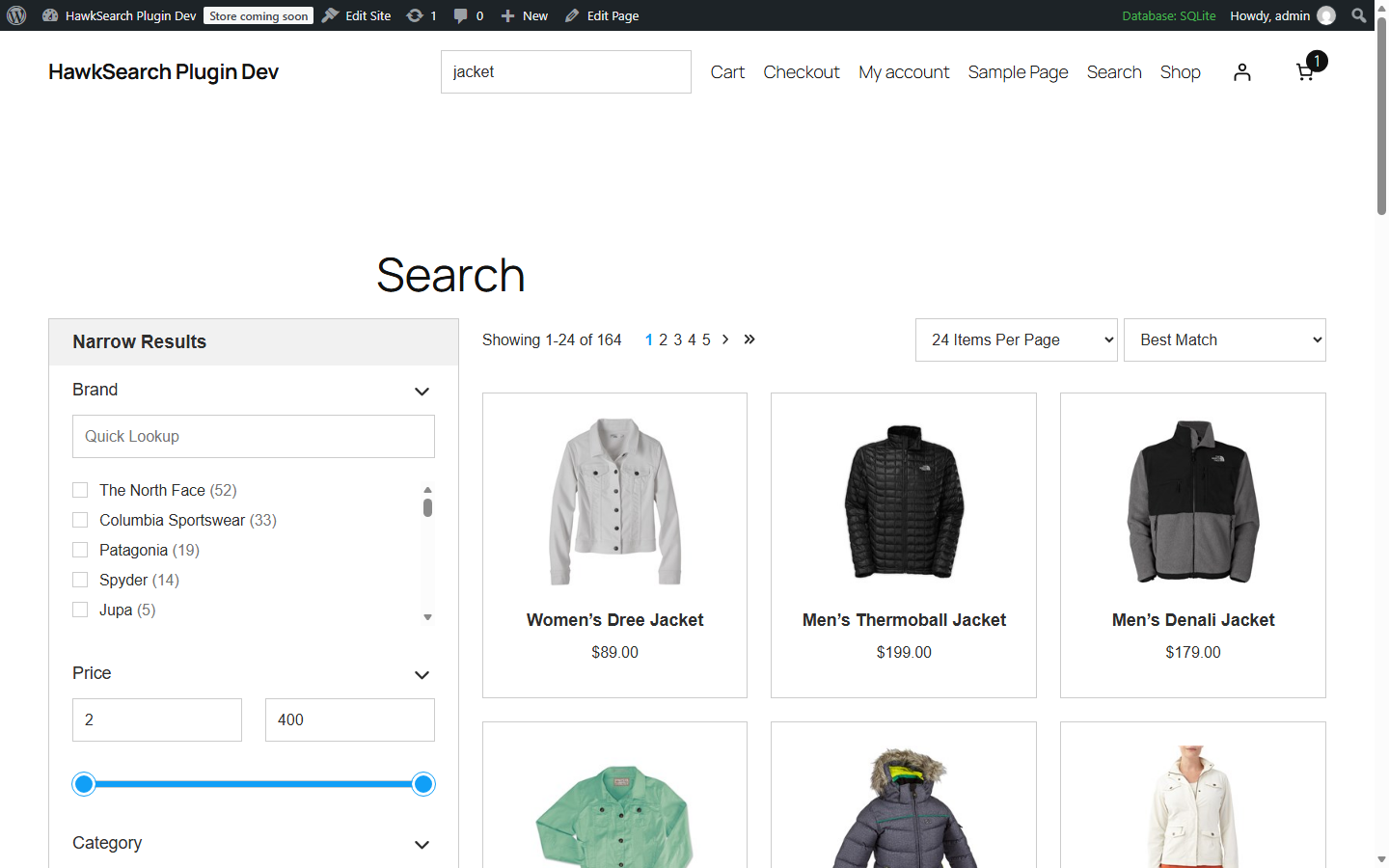
The connection and initial setup are managed within WordPress, while ongoing search tuning, merchandising, recommendations and analytics are maintained within the HawkSearch Workbench. The standard implementation uses HawkSearch Rapid UI to replace the default WordPress search with HawkSearch search, autocomplete, facets and recommendations.
Requirements
| Requirement | Notes |
|---|---|
| WordPress | 6.4 or later. Single sites and multisite networks are supported. |
| PHP | 8.0 or later. |
| WooCommerce | Optional. When active, products, prices, stock, attributes and sales tracking are added. |
| Permalinks | Any structure other than "Plain" (needed for the search results page). |
| HawkSearch engine | An engine with its API key, Client GUID and engine name. See the QuickStart guide. |
| Network access | The web server must be able to make outgoing HTTPS requests to *.hawksearch.com. |
Supported Features
| Features | Notes |
|---|---|
| Search | All features for Boost/Bury, Pinning, Synonyms, Redirects, Spelling override and Keyword replacement |
| Did You Mean | All features supported |
| Advanced SKU Search | All features supported. Variable products include the SKUs of all their variations. |
| Autocomplete | All features supported |
| Instant Engage | All features supported. Switched on in the plugin's Search settings. |
| Facets | All features supported. Basic facets can be created in WordPress; advanced options are set in HawkSearch. |
| Tabbed results | Supported automatically when products and other content are indexed together. |
| Sorting | All features supported |
| Campaigns and banners | All features supported |
| Recommendations | All features supported. Widgets are created in HawkSearch and placed with a shortcode or on product pages. |
| Event tracking | Search, clicks, autocomplete, recommendations, product views, add to cart and purchases. |
Features Which Require Additional Setup
| Feature | Notes |
|---|---|
| Landing Pages | Supported through the Rapid UI landing page component. Requires small front end changes. |
| Visitor Target / Personas | Supported through small front end template changes. |
| Hawk AI | Smart Search and Smart Response are available through basic front end changes. See Available Enhancements. |
| Variants | Variable products are indexed as one item. Variant-level indexing is not yet supported. |
In This Section
- Installation: install and activate the plugin.
- Connector Configuration: every screen of the plugin, from Settings to Recommendation Widgets.
- Front End Search: the search results page, search boxes, tabs and recommendations on your site.
- Available Enhancements: Smart Search, Smart Response and more.
- Developer Reference: shortcodes, filters, configuration constants and template changes.
- Troubleshooting: common questions and fixes.
Updated 1 day ago
Did this page help you?