

Installing Your Assistant
Installation
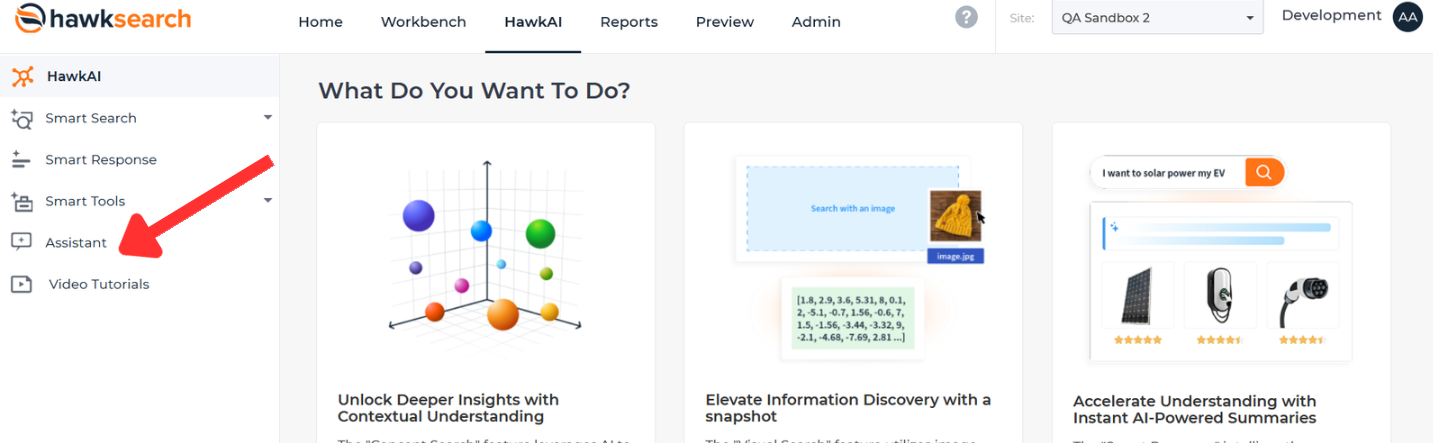
To get started implementing your very own Assistant, click on the Hawk AI dashboard. Once there, click on the Assistant button.
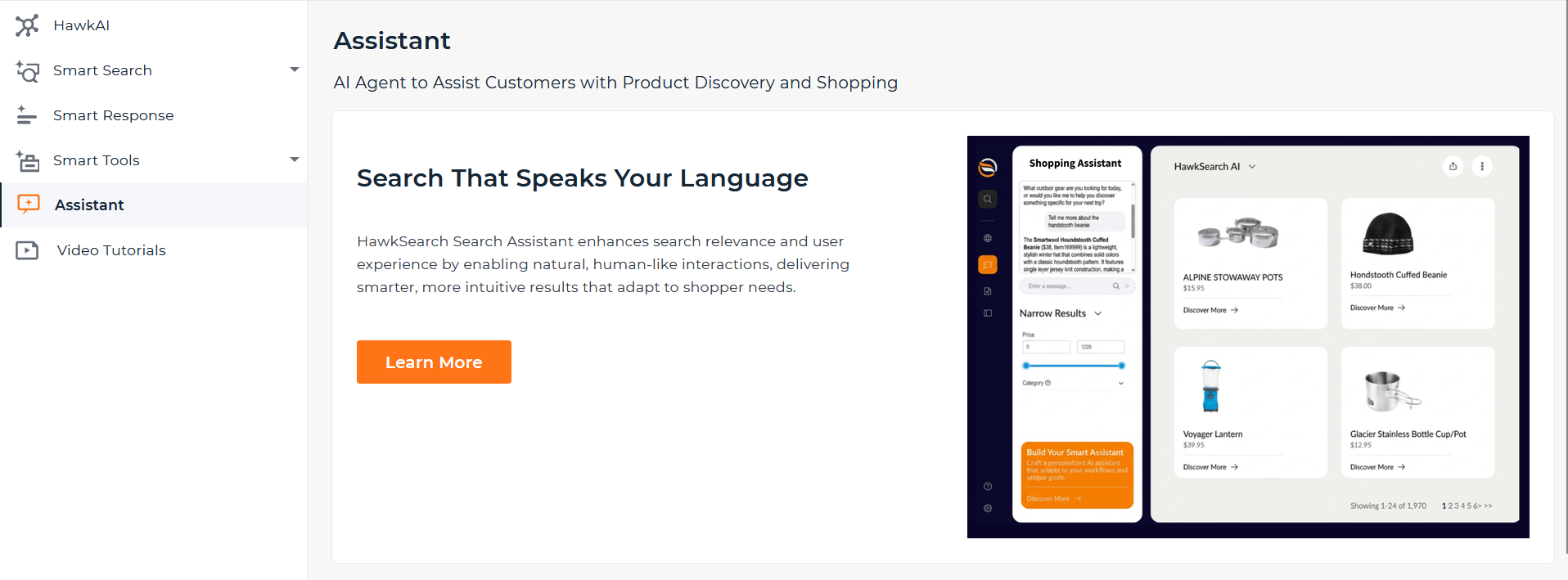
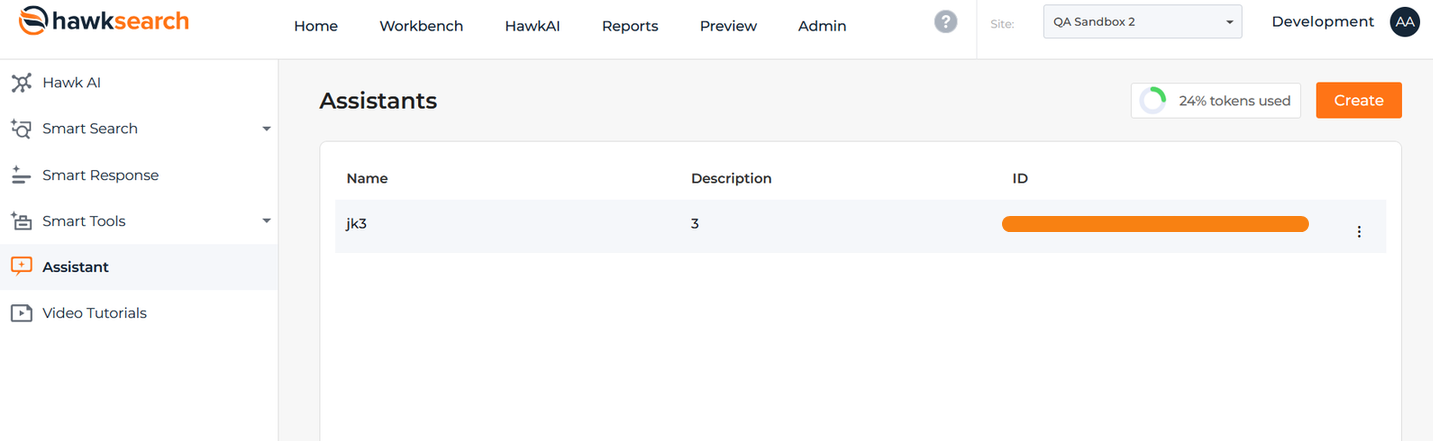
Once you've filled out the interest form, you'll hear back from our Customer Service Department when the feature has been enabled for your engine. Once it has been, you'll be directed to the Assistant dashboard. This page contains information about your current assistants, their descriptions, and their IDs. It also allows you to edit your existing assistants by clicking the three dots on the right of each assistant. Next to the Create button, you'll see a visual display showing how many tokens you've used so far.
Click Create to start making your assistant.
Ready to create your first assistant? Follow along here!
Updated 3 months ago