

Roles and Access
In order to provide access control to the various capabilities in the plugin, there is a new section in the roles interface for setting access permissions for the HawkSearch plugin. In order to get to the Roles, navigate to Settings -> Users & permissions -> Roles -> Create role. Scroll down to the bottom and you'll see these options:
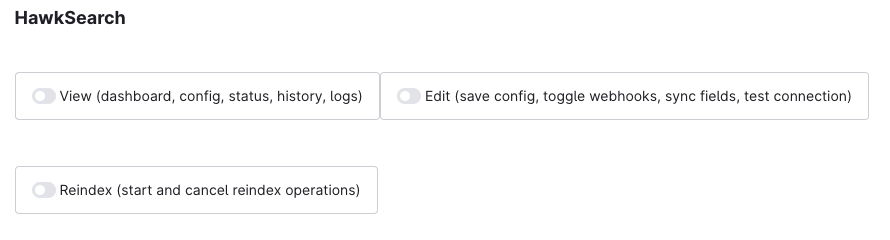
This allows for users who may only need to Reindex and not see and/or access the configuration settings.
Updated 8 months ago
Did this page help you?